No full page reloads
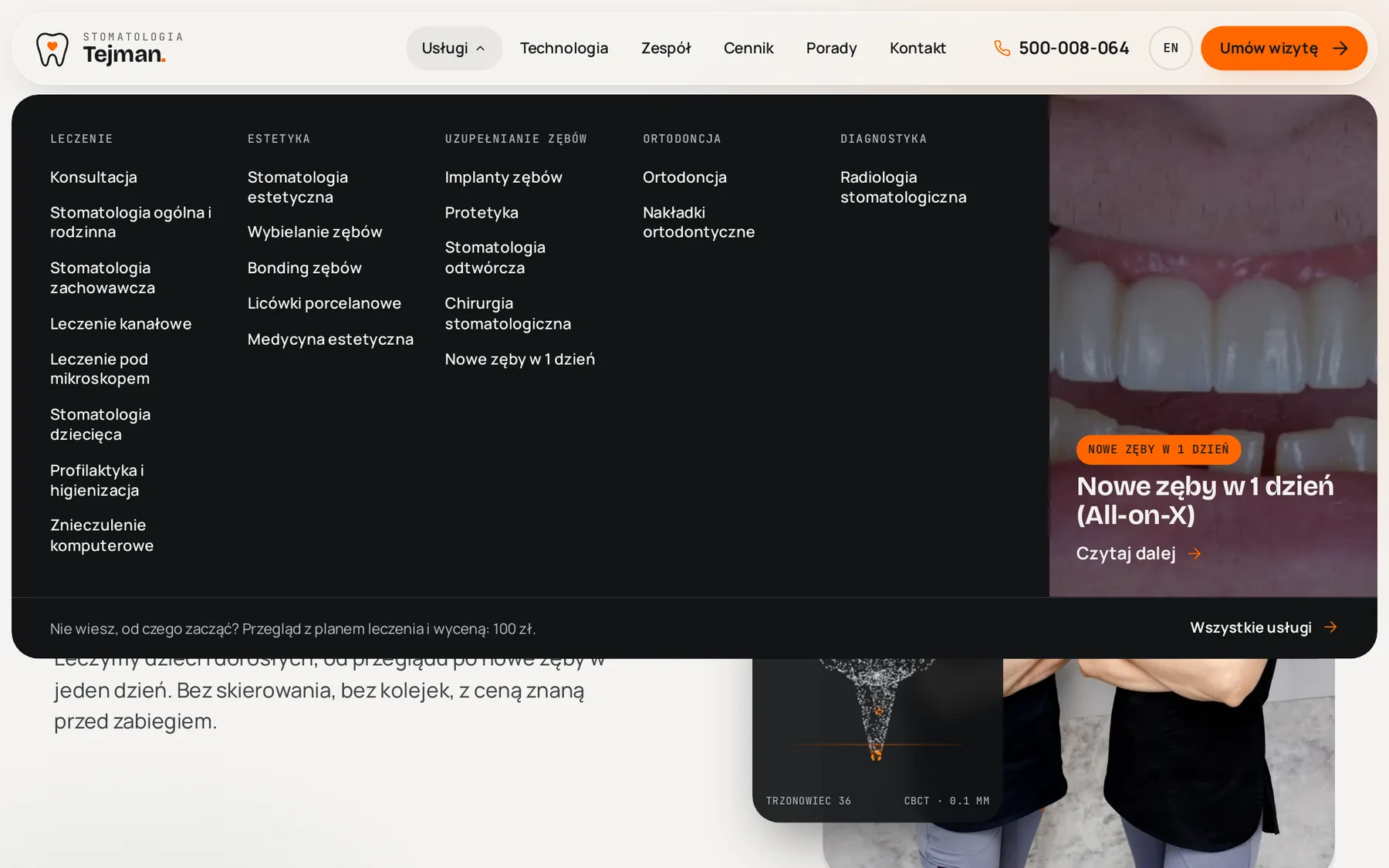
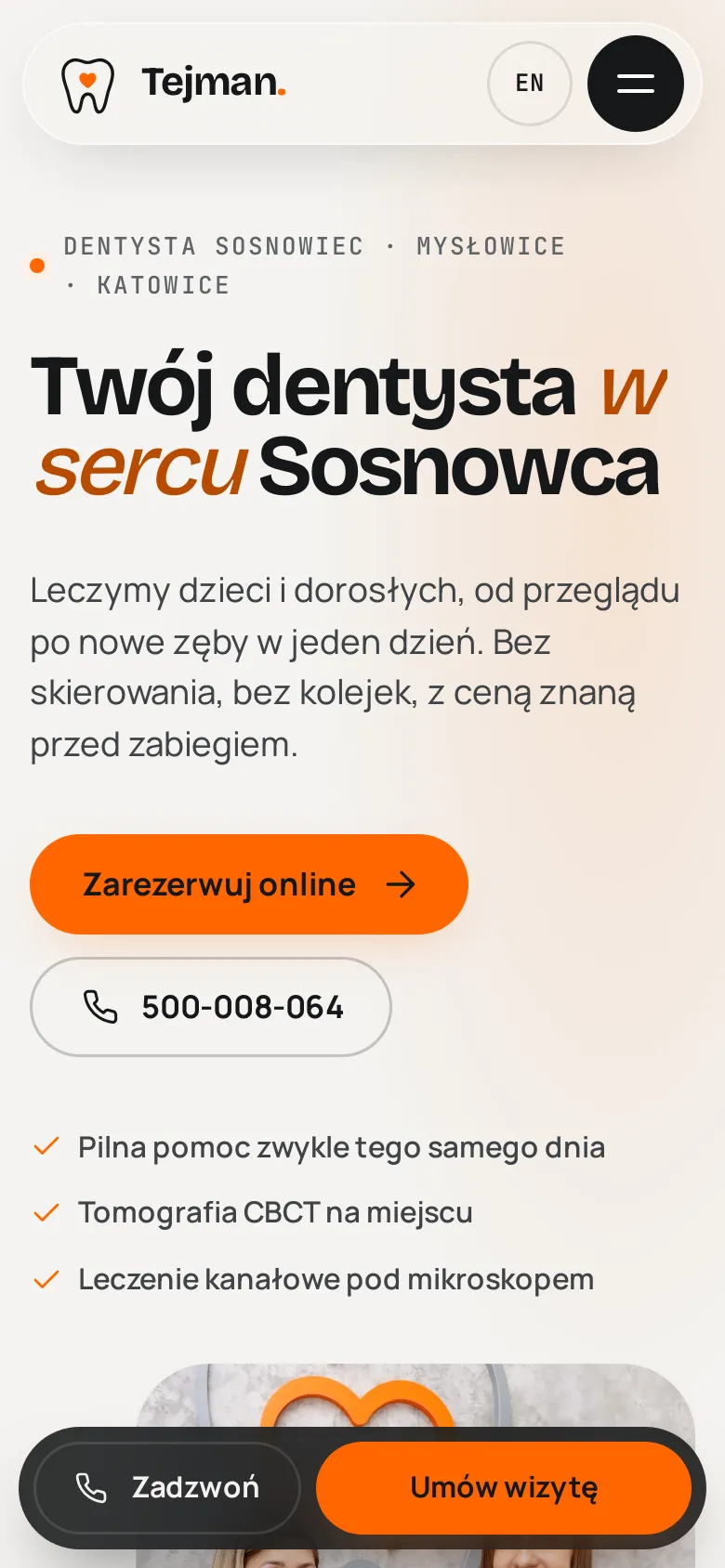
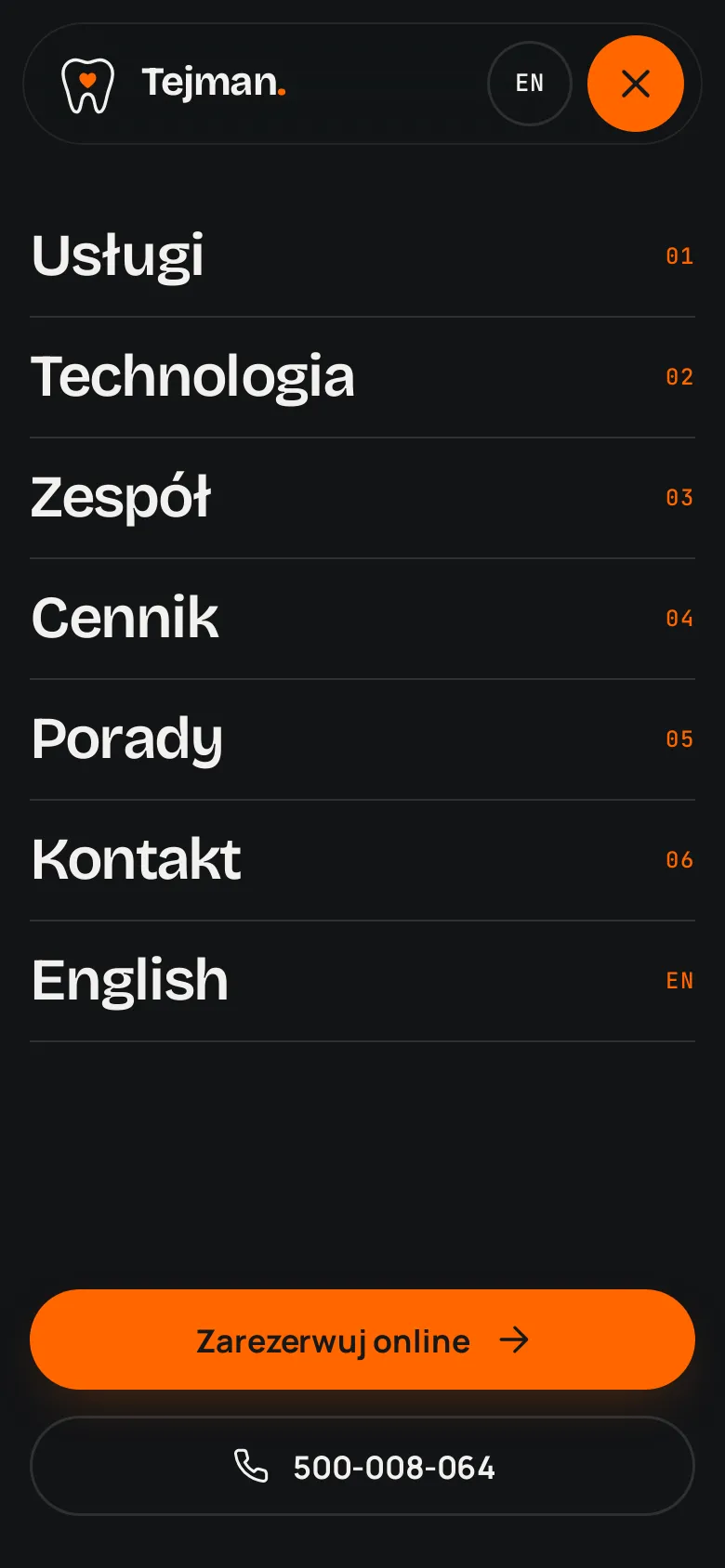
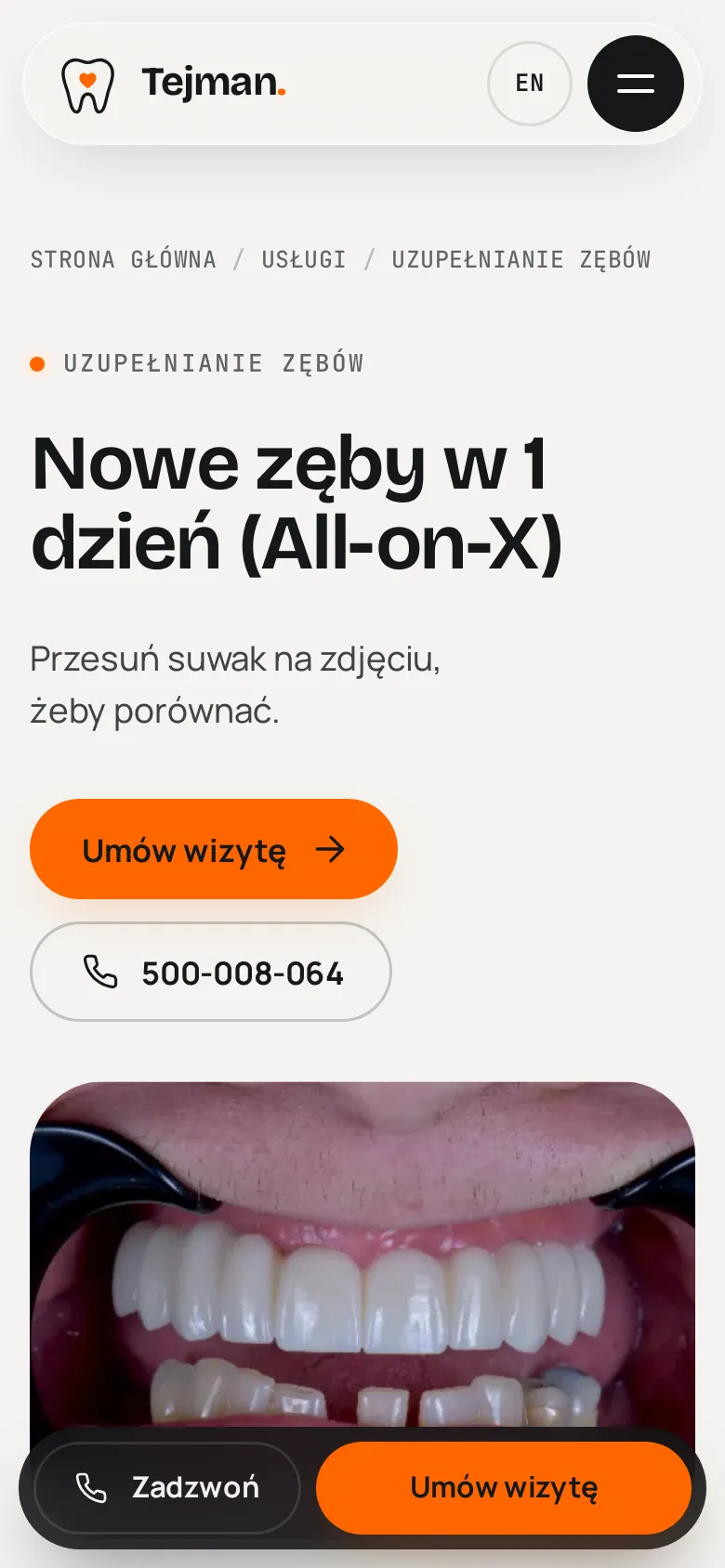
Astro View Transitions: content leaves upwards with a slight blur and the next page slides in from below. The header, menu and mobile action bar stay in place.
case study · dental clinic website
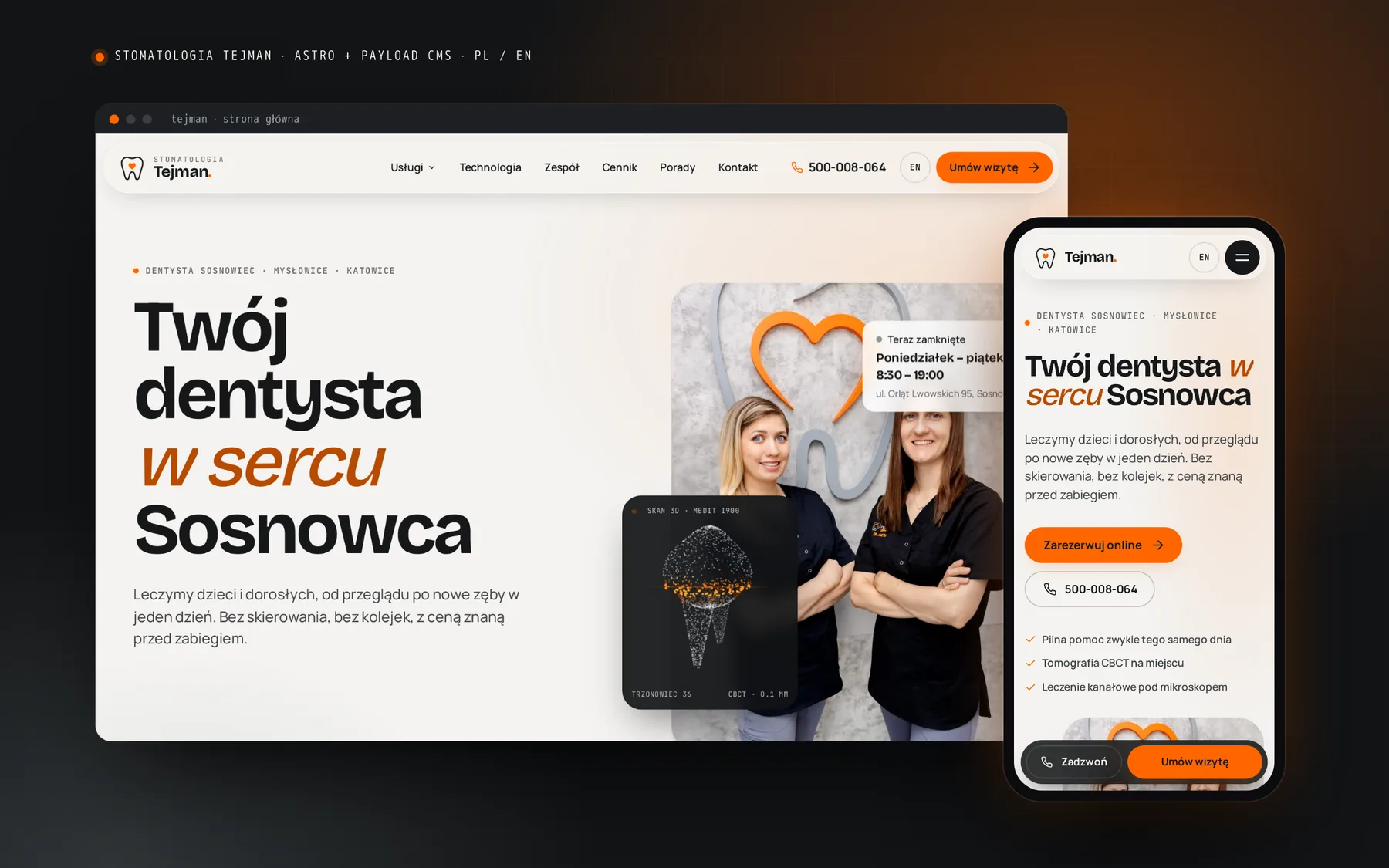
A new website for a private dental clinic in Sosnowiec, Poland: a custom design in the brand colours, two languages, a simple CMS without block-based page building, and online booking secured with a PLN 50 deposit via PayU.
01 / starting point
The old site was WordPress with a dental theme and a page builder. The clinic owns a treatment microscope, a CBCT scanner and an intraoral scanner, yet none of it showed, and the first screen was a carousel of stock photos.
Around 2.5 s to first byte and over 100 requests on the home page, including 37 scripts and 14 font files, mostly icon fonts.
The main text colour had about 2.9:1 contrast. Not enough for older patients, a key audience for implants and All-on-X.
The identity is orange and the grey concrete wall with the logo at reception. The theme added navy, turquoise and blue.
Single-visit microscope root canal treatment, on-site CBCT and new teeth in one day were three clicks away from the home page.
The clinic had switched off its previous booking plugin because patients booked and did not come. A deposit was needed.
111 blog posts with local keywords, 47 pages and a full price list. Texts had to stay and old URLs had to redirect without losing SEO.
02 / numbers
Home page measured in Chromium (Playwright): the old tejman.pl and the new staging version, desktop and phone.
Measured from the server that hosts the new version, so its network timings are favourable. Request count, transfer size and CLS do not depend on that.
03 / design
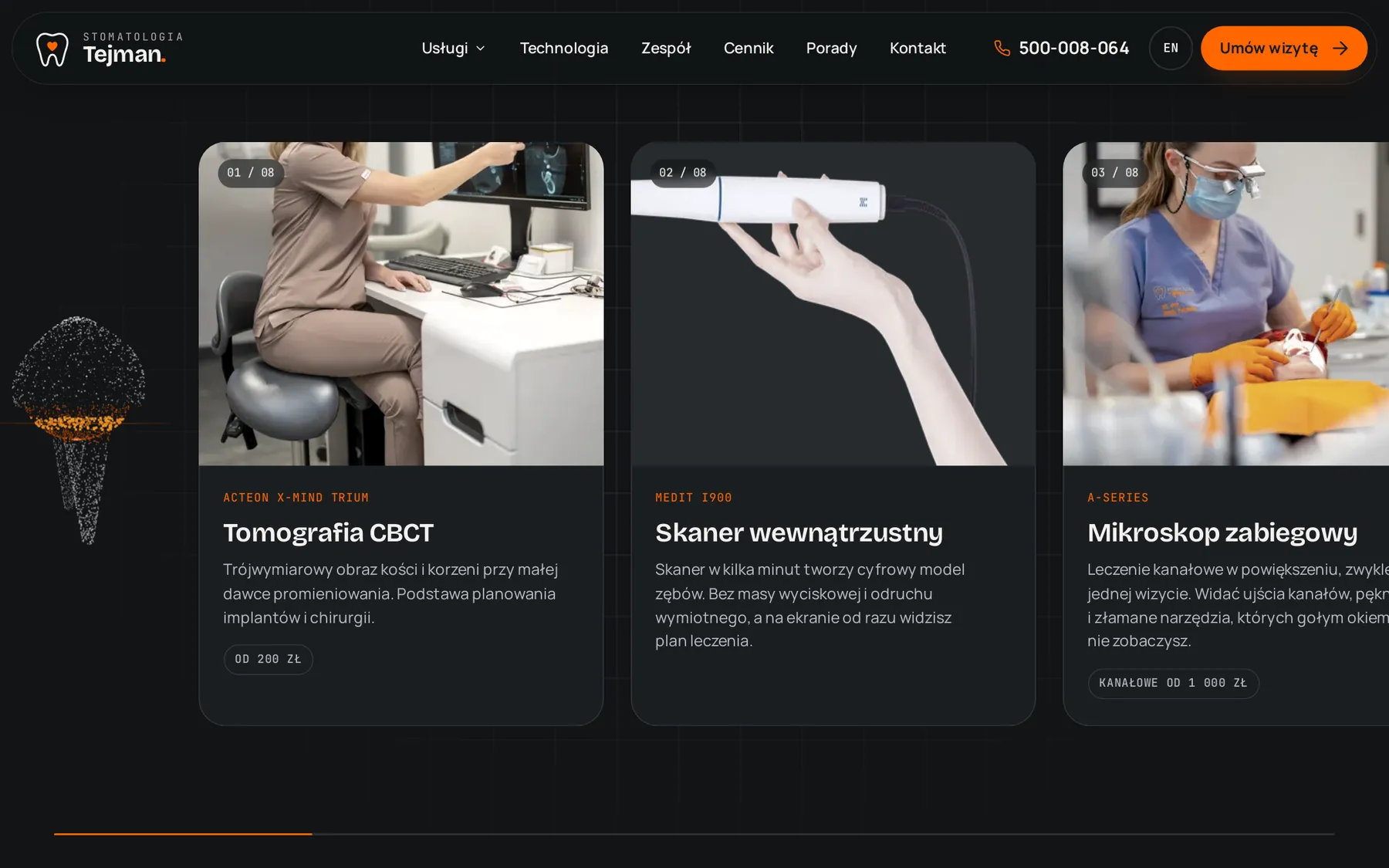
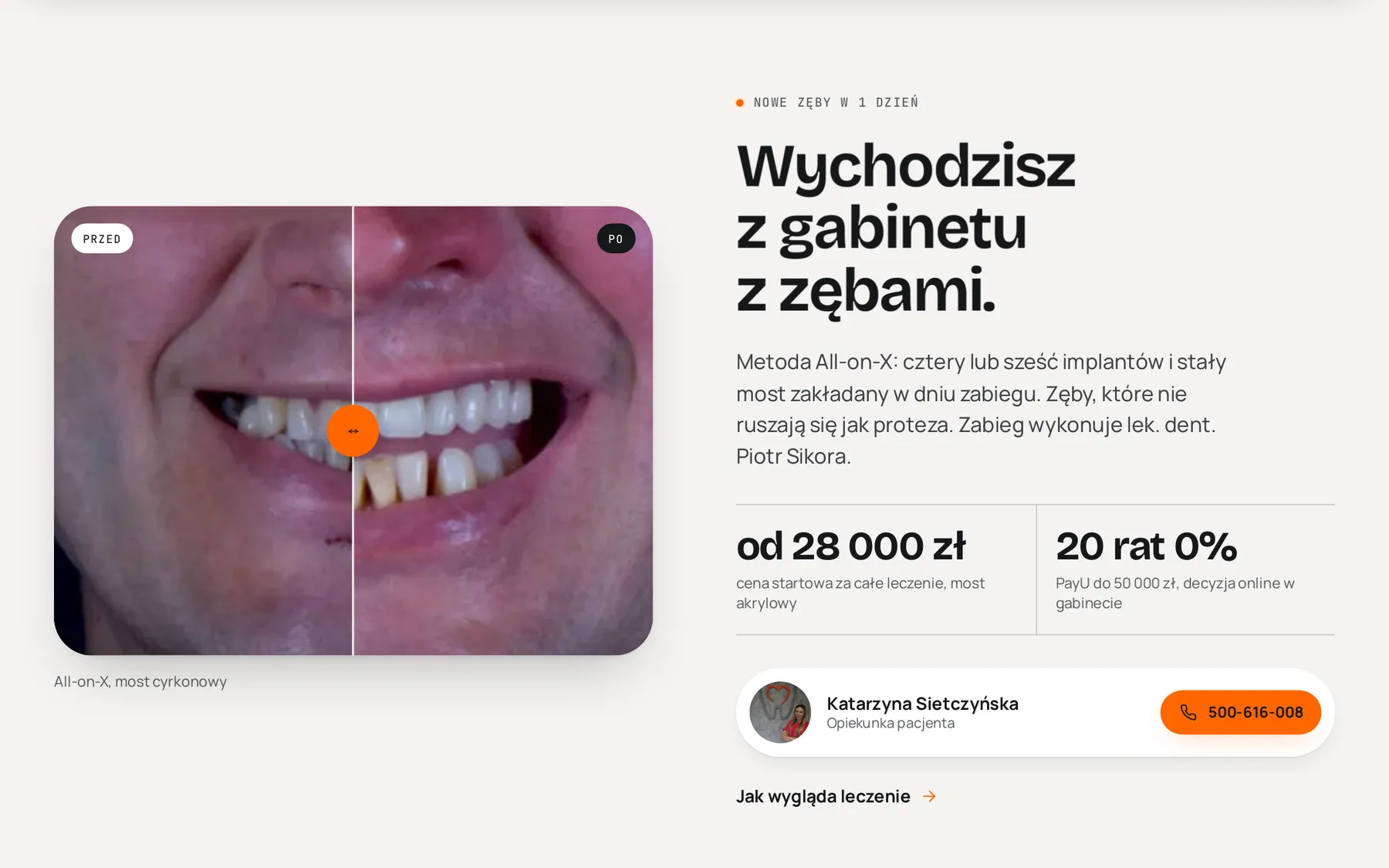
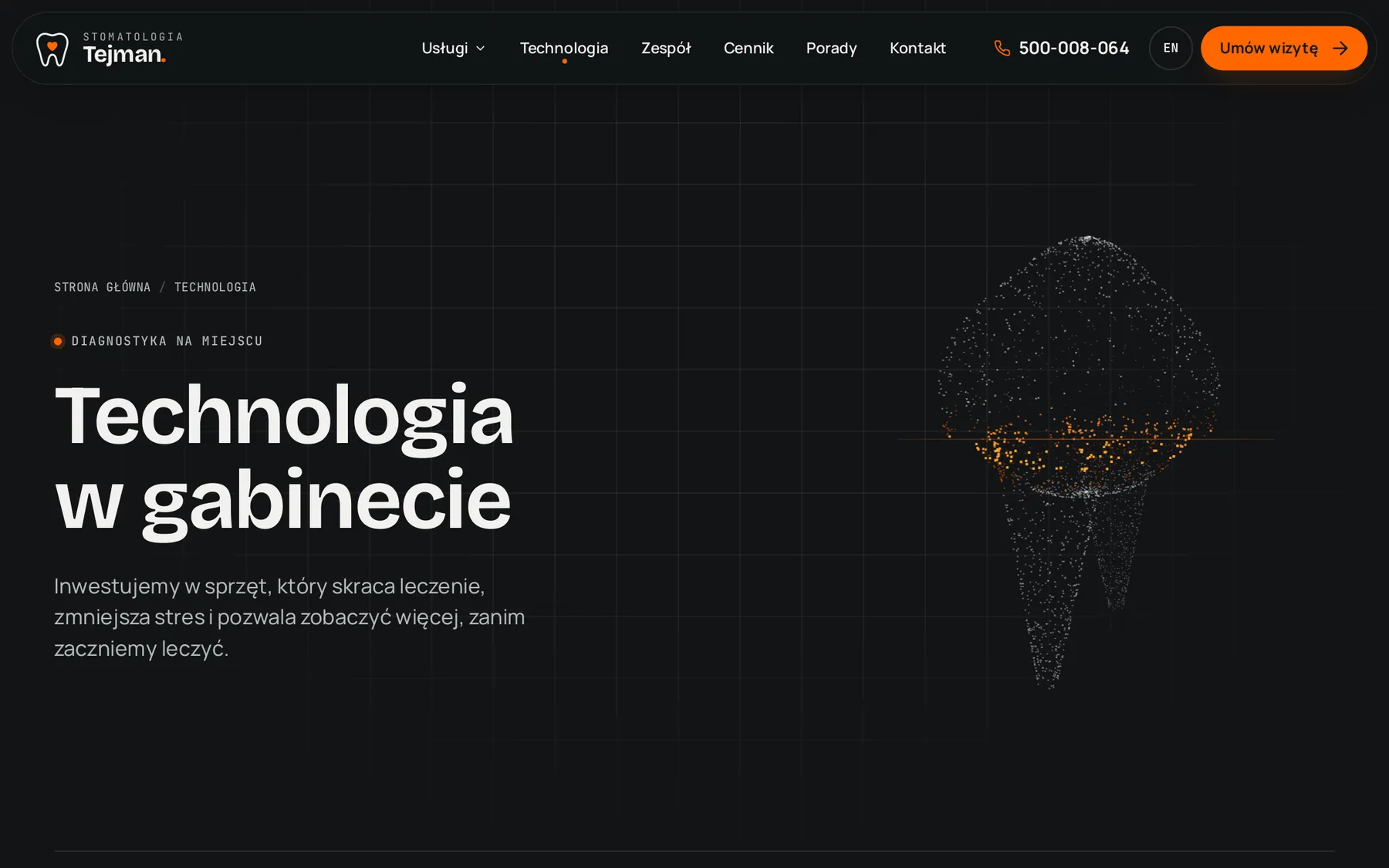
The colours stayed, because they are the identity of the whole clinic. Calm, light reading sections alternate with dark “lab” sections about the equipment. No rows of identical icon cards and no stock photos: only the team, the clinic and real treatment results.
04 / motion
Astro View Transitions: content leaves upwards with a slight blur and the next page slides in from below. The header, menu and mobile action bar stay in place.
A molar made of 2,600 points, drawn on canvas, rotates with the cursor while an orange scanning plane sweeps up and down. It pauses when off-screen.
With prefers-reduced-motion everything is visible immediately, galleries scroll manually and the review carousel has buttons and a pause.
GSAP and Lenis animate only transform and opacity. Images carry dimensions and WebP variants, so mobile CLS dropped from 0.78 to 0.02.
05 / CMS
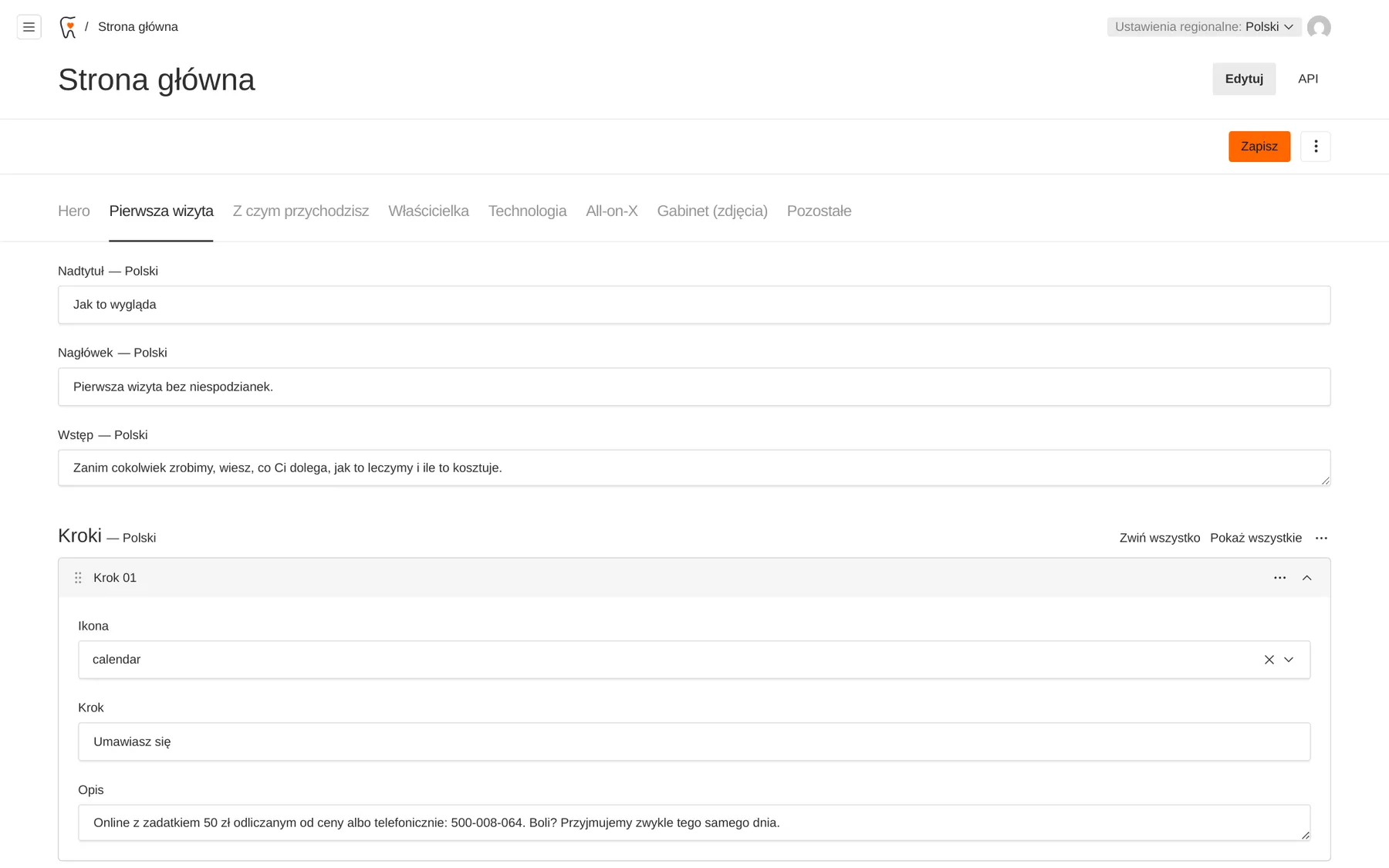
Payload CMS with a Polish interface. The home page is a designed layout with a tab per section: reception edits texts, photos and steps, but cannot break the design, because there are no WordPress-style blocks.
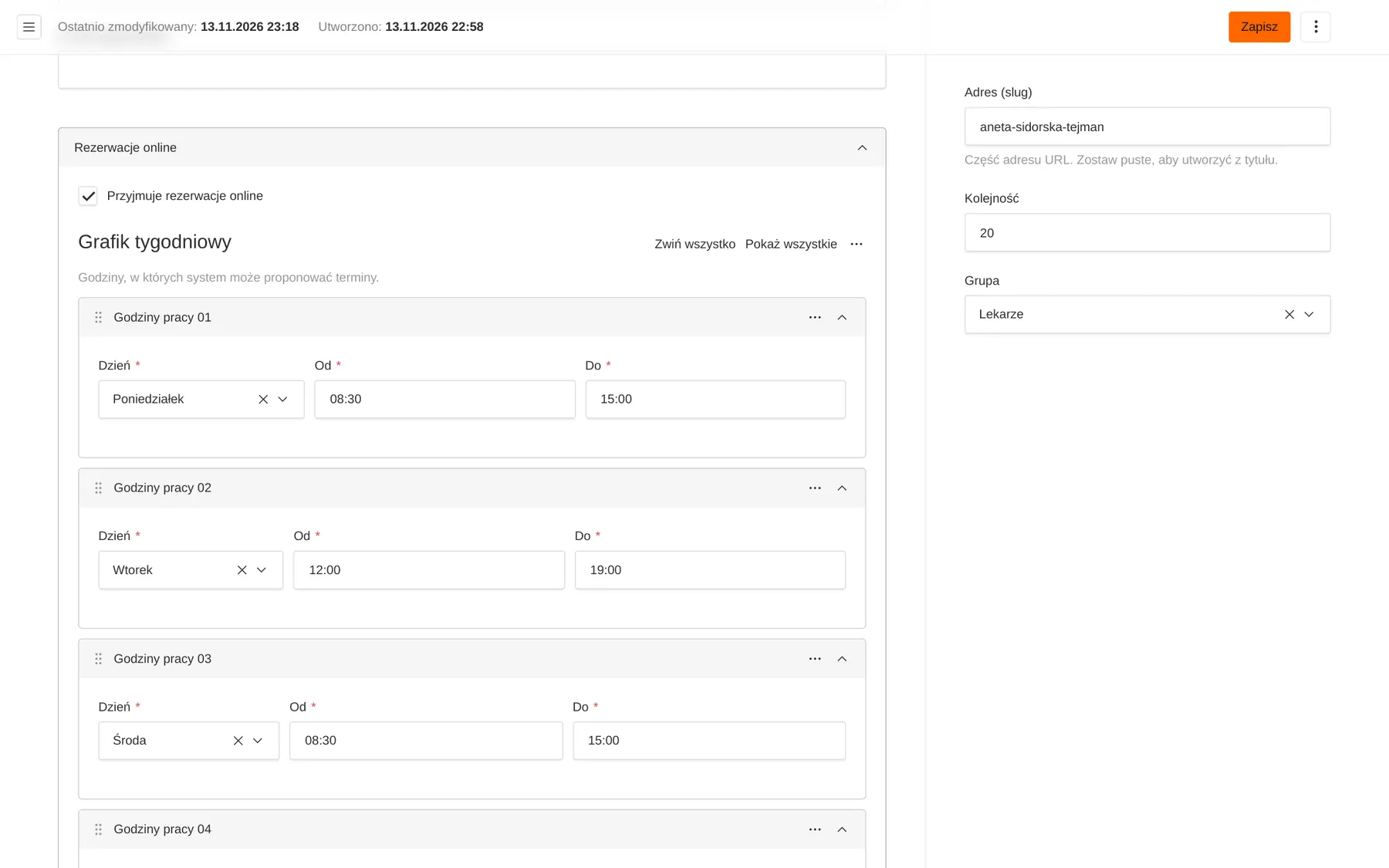
The frontend caches API responses in memory. Every save in the admin calls an internal endpoint that clears the cache, so the site is fast and always current.
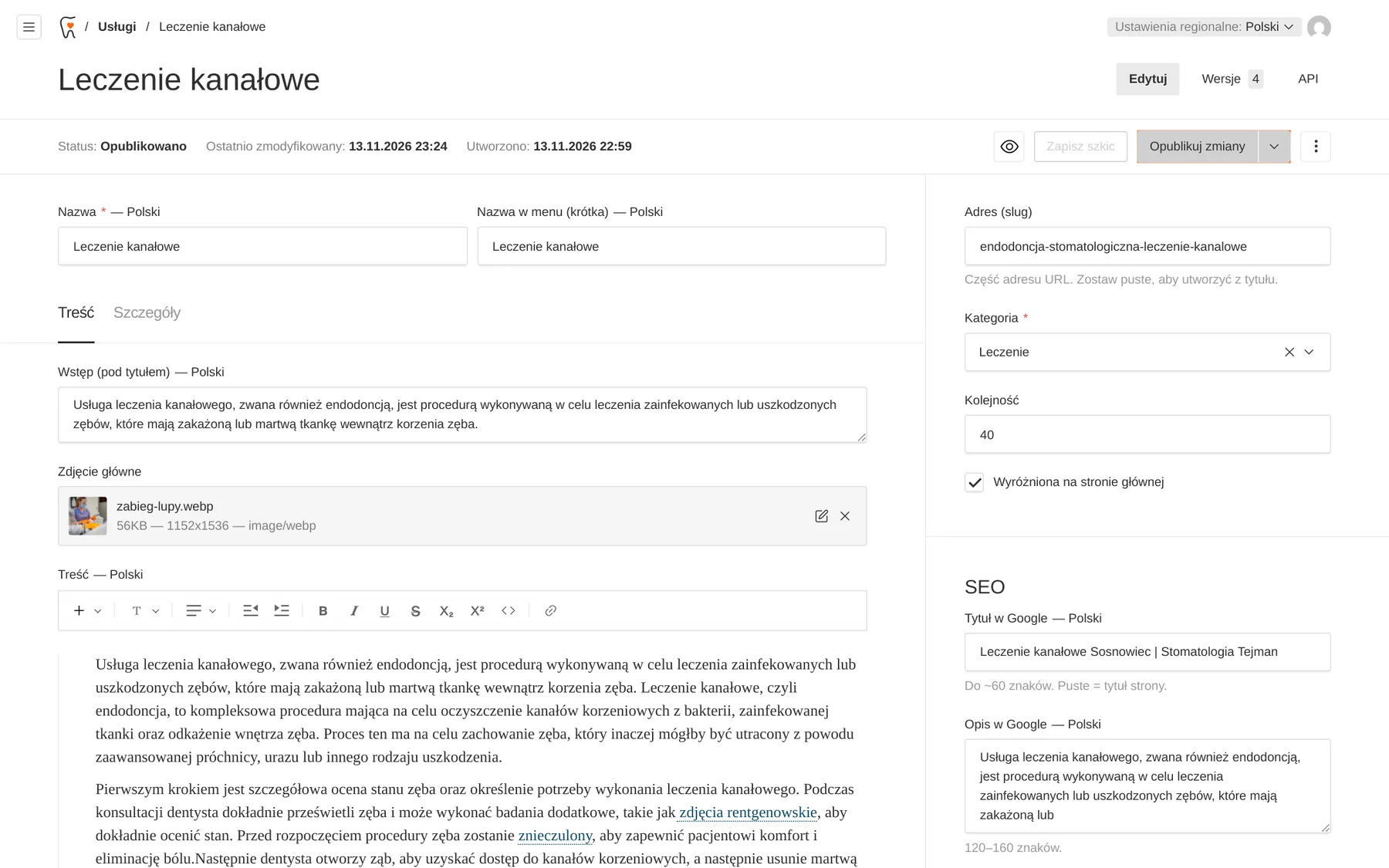
Google title and description on every document, 301 redirects as a plain list in the admin, a sitemap with hreflang, and Dentist, FAQPage and BlogPosting structured data generated automatically.
06 / booking
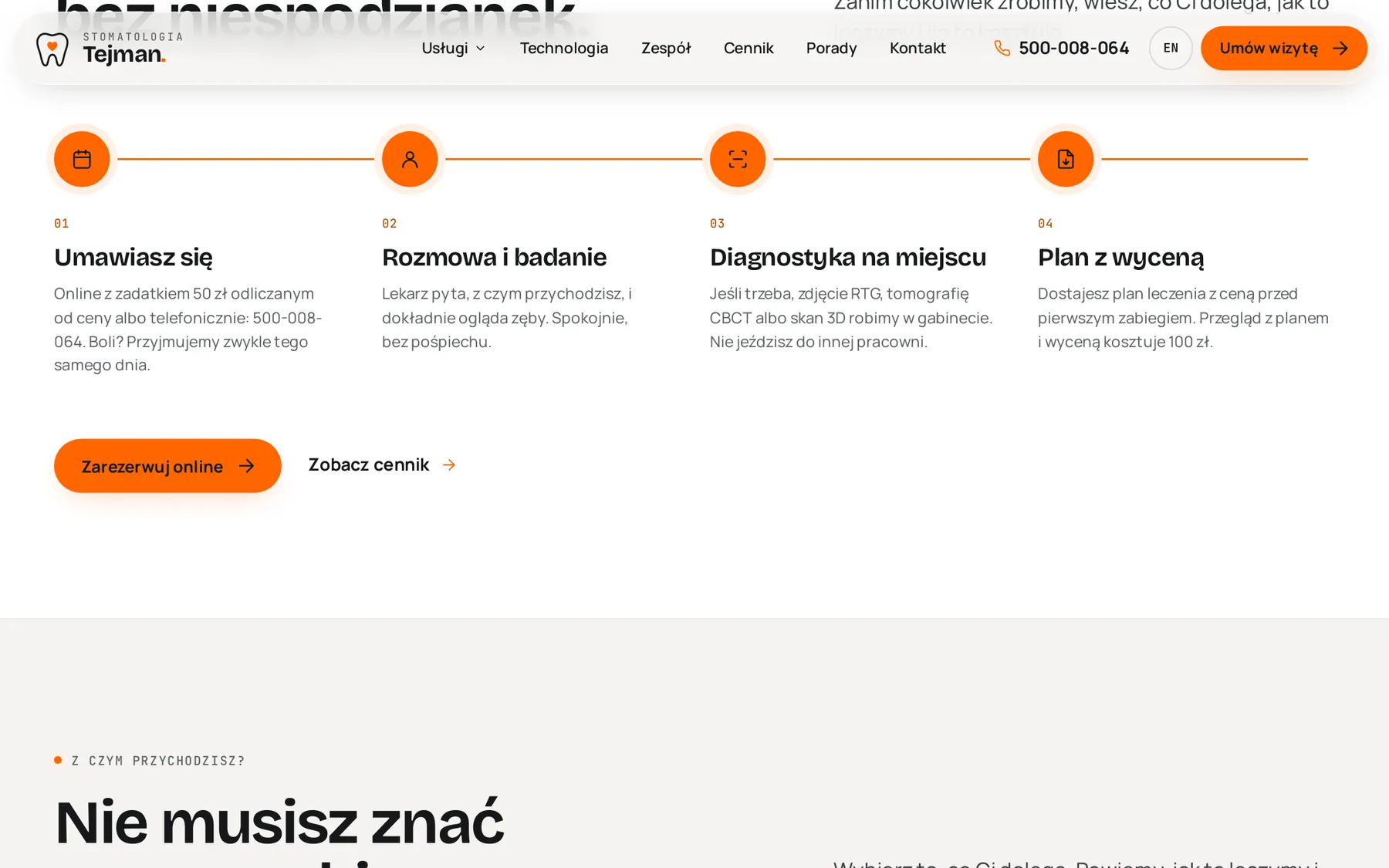
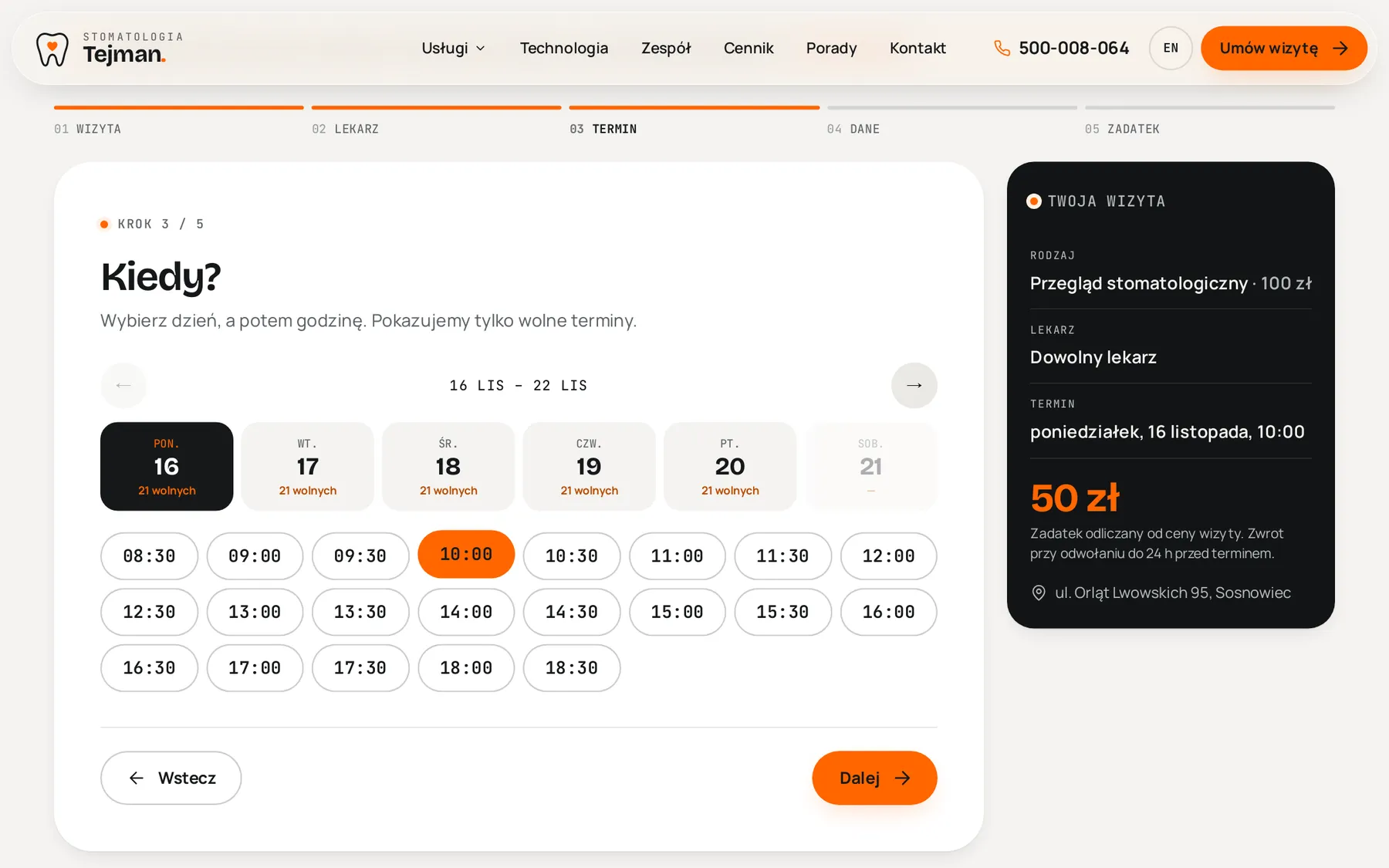
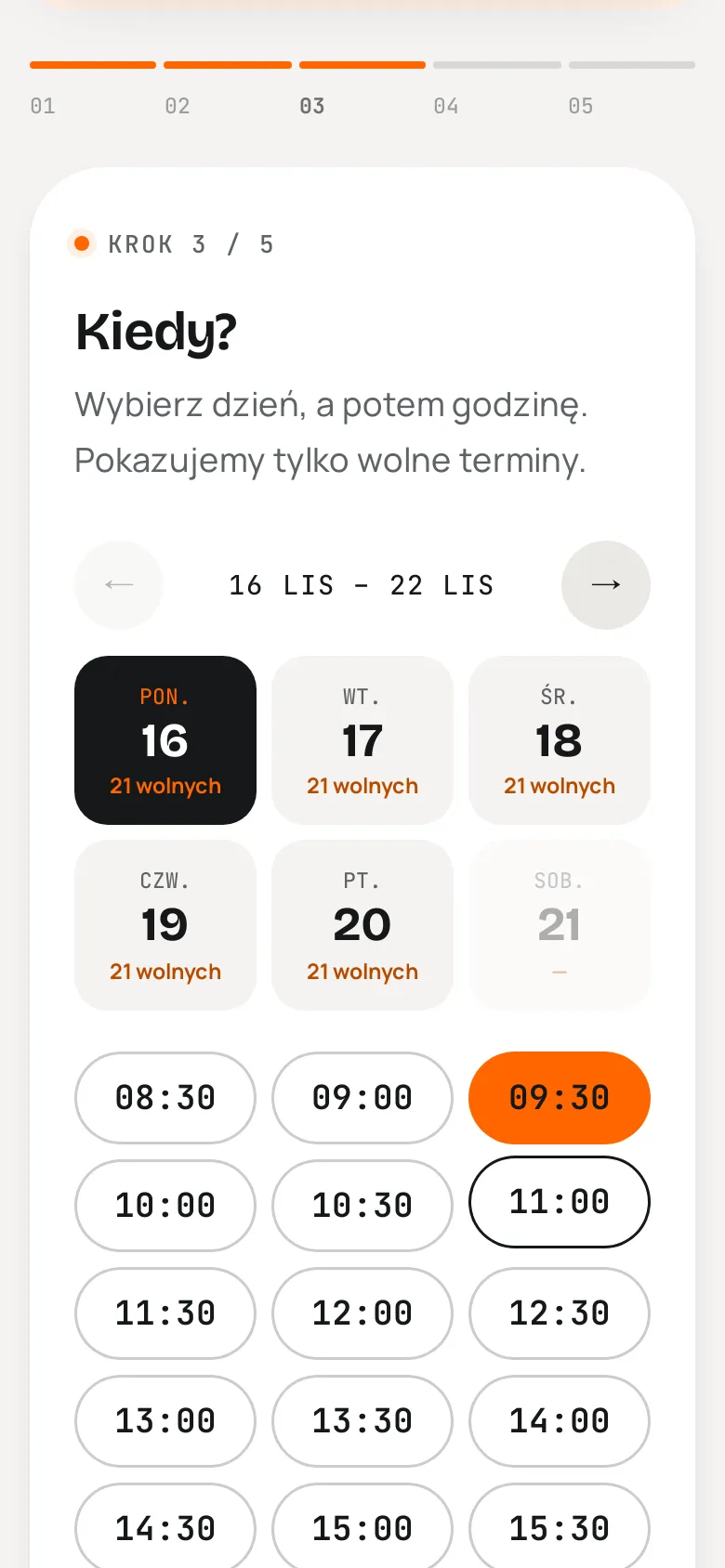
A four-step wizard and a deposit via PayU, which the clinic already uses for instalments. The deposit is deducted from the visit price and refunded if you cancel at least 24 hours ahead.
Free times come from schedules, visit length, time off and existing bookings. Before saving, the system checks the slot again, so two people clicking the same time cannot both get it.
PayU notifications are verified by signature. If the patient returns before the notification arrives, the status page asks PayU for the order state itself. Sandbox and simulation modes switch in the admin.
The wizard says it on the first screen: “In pain? Don't book online, call us.” Urgent cases never wait for a free slot.
07 / architecture
Instead of duplicating page files per language, a single dynamic route maps the URL to a page type and language (e.g. /uslugi/implanty and /en/services/implanty). The language switch always leads to the equivalent of the current page.
Read-only containers with no system capabilities and no public ports. The database lives on the internal network only, and a daily dump goes into the server backup.
A photo uploaded in the admin becomes WebP in three sizes with a focal point. The frontend picks the size via srcset.
08 / delivery
Measurements of the old site, contrast and structure review. All posts, pages and media pulled through the WordPress REST API, together with SEO titles and descriptions.
Page-builder HTML turned into clean structure: lists rebuilt from widgets, headings without bold, typos fixed (including one in the street name). Then converted for the CMS editor, with images attached as media.
Treatments, equipment, team, prices and the home page translated and stored as a second language of the same documents. The blog stays Polish, and the English site says so openly.
Every view checked in Playwright on desktop and phone. Screenshots caught a clipped italic in the headline, a price column pushing into the text and a race in the wizard where a step animation overwrote the loaded calendar. All fixed before hand-off.
A test booking creates an order in the PayU sandbox and holds the slot. Going live only needs the clinic's PayU shop credentials.
technologies
Screenshots come from the working staging version before launch. Dentist schedules in the booking system are sample data and payments run in the PayU sandbox. Results were measured in Chromium on the home page. The new version runs on the same server it was measured from, so its network timings (TTFB, LCP) are more favourable than for an outside visitor.
next step
Tell me what you want to achieve. I'll come back with a concrete proposal, a quote and a delivery plan.